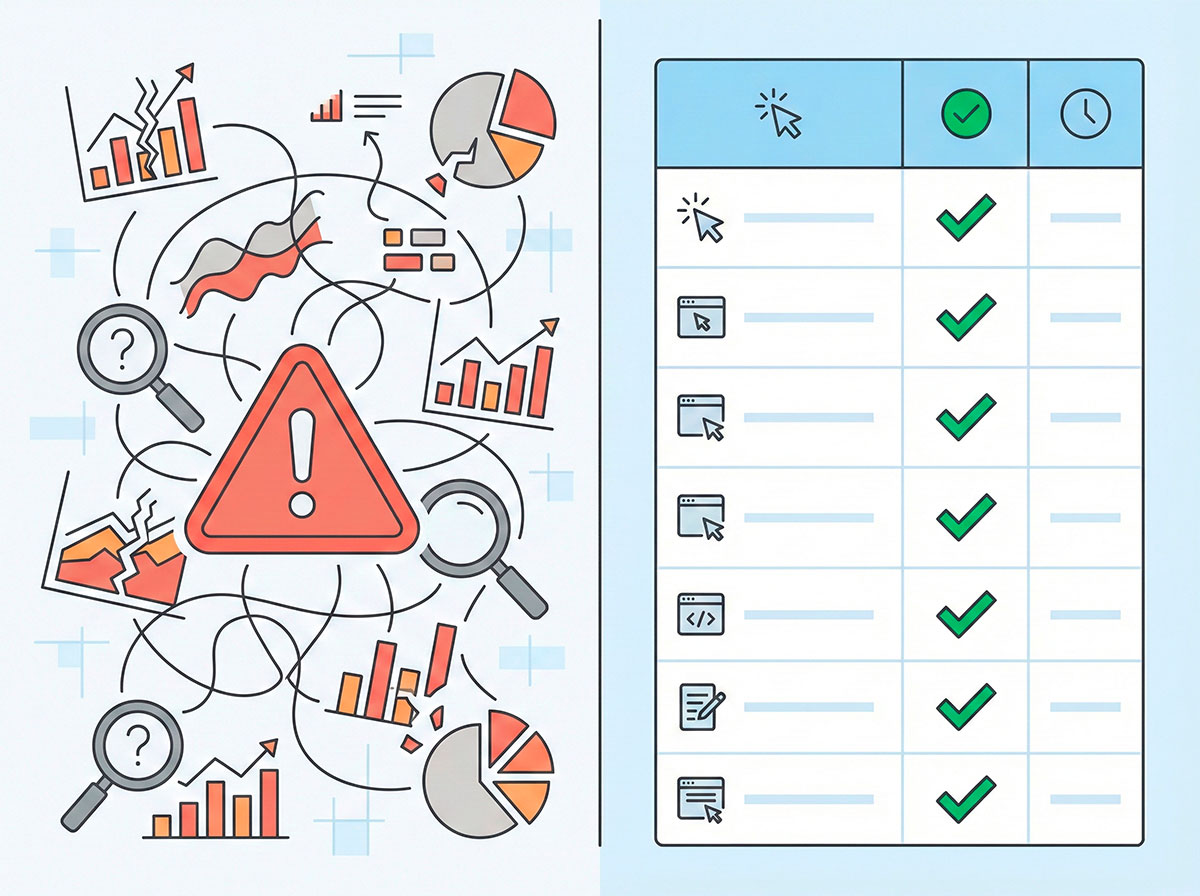
Most teams look at only one thing: did the user buy or not?
If there is no order, the visit goes into the “didn’t convert” bucket — and that’s it.
If you want a gentle introduction to conversion rate optimisation, here’s a short article where you can get a gentle introduction to conversion rate optimisation.
But real shoppers leave a long trail of small actions before they ever hit “Pay now”. Those small actions are called micro-conversions. When you learn to read them, you stop seeing “0 vs 1” and start seeing who is just browsing and who is almost ready to buy.
In this guide, we’ll break down micro conversions in ecommerce into clear signals you can track and act on. You’ll get 15 “almost-buy” signals, a simple event schema, ideas for segments, and real-world experiment stories from our team.
What Are Micro-Conversions and Why They Matter in E-commerce
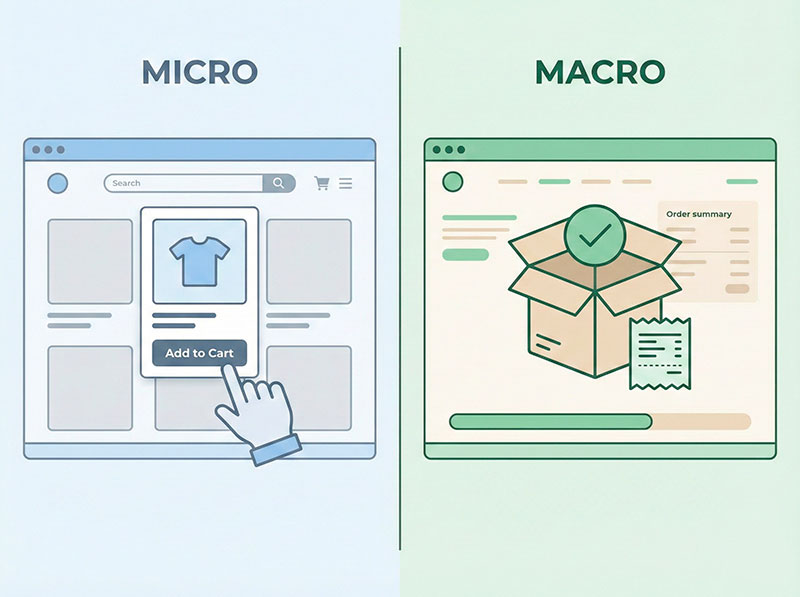
Let’s start from the basics. In an online store, a macro-conversion is usually the main business goal: a completed order, a paid subscription, or maybe a lead form sent to sales.
If you want to dive deeper into the difference between micro and macro conversions, here’s a helpful article where you can dive deeper into the difference between micro and macro conversions.
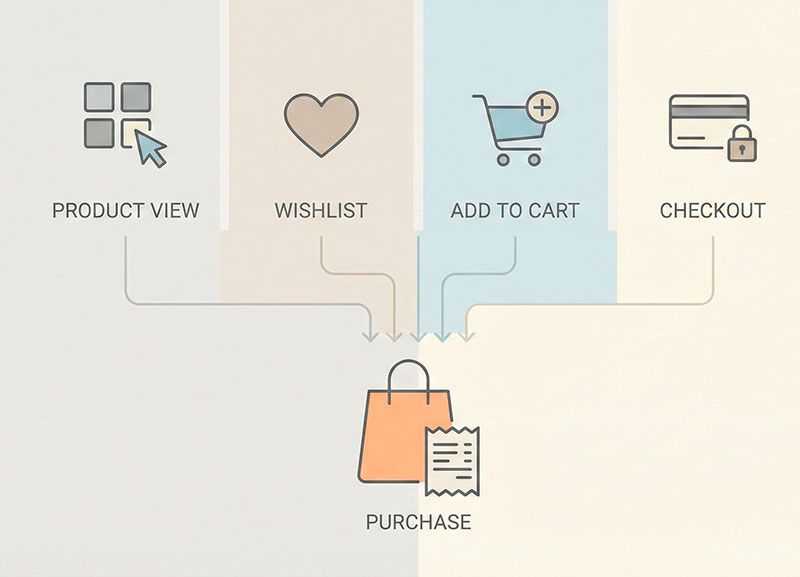
A micro-conversion is any smaller step that moves a visitor closer to that main goal.
Examples:
- viewing a product page,
- adding a product to wishlist,
- starting checkout,
- applying a coupon.
If you’ve ever asked yourself “what is a micro conversion” in practical terms, it’s simply a meaningful step toward the final conversion, not the final conversion itself.
The difference is:
- Macro-conversion: “The user paid us.”
- Micro-conversion: “The user did something that makes payment more likely.”
Why they matter:
- They show intent earlier than the final purchase.
- They help you see where people drop off in the journey.
- They give you more chances to react: with better UX, with messages, with campaigns.
If you only look at orders, you only see success or failure. If you look at micro-conversions, you see progress.
How Micro-Conversions Fit Into Your E-commerce Conversion Funnel
To understand where micro-conversions live, let’s draw a very simple funnel for an online store:
- Visit – someone lands on the site.
- Browse – they look around categories and products.
- Consider – they compare options and read details.
- Almost Buy – they prepare to pay.
- Purchase – they complete the order.
Micro-conversions can happen on almost every step of this journey:
- On Browse, they use filters, search, and view several product pages.
- On Consider, they add items to wishlist, compare products, and read return policies.
- On Almost Buy, they add to cart, start checkout, apply coupons, and check shipping options.
We’ll use this simple ecommerce conversion funnel as the backbone of the article. Every micro-conversion we talk about will sit somewhere on one of these steps, so you can see where it fits.
If you’d like a more detailed walkthrough of building an ecommerce funnel from scratch, here’s an article where you can get a more detailed walkthrough of building an ecommerce funnel from scratch.
The key idea: these actions are not random. Each one makes it more likely that the person will move to the next stage of the funnel.

Types of Micro-Conversions: From Browsing to “Almost Buying”
Not all micro-conversions are equally strong. Some show light interest, some show active comparison, and some clearly say:
To see how on-site search can reveal hidden demand in your store, here’s an article where you can explore how on-site search analytics can reveal hidden demand.
“This user is almost ready to buy.”
Let’s split them into three levels.
Light-Interest Micro-Conversions (Exploring the Store)
These actions say: “I’m curious, but I’m still just exploring.”
Typical examples:
- Viewing several categories in one session — the user is trying to understand what you sell.
- Using filters and sort options — they want to see products that match their needs, not random items.
- Using the site search with a clear query — for example, “black running shoes size 42”.
- Viewing several product pages in one visit — the user is scanning options.
These people are worth watching, but they’re not hot yet. Think of them as window shoppers who stepped into the store but haven’t picked anything up.
Consideration Micro-Conversions (Comparing and Checking Details)
Here the user is no longer just wandering. They are weighing options and trying to reduce risk.
Examples:
- Adding products to wishlist or favourites – “I like this, maybe I’ll buy later.”
- Using a comparison tool – “I need to see differences between these 2–3 products.”
- Opening the size or fit guide – “I want to avoid ordering the wrong size.”
- Reading delivery, return and warranty information – “Can I trust this store if something goes wrong?”
These micro-conversions show that the shopper is already thinking like a buyer. They care about fit, risk, and value.
“Almost Buy” Micro-Conversions: 15 Strong Purchase Intent Signals
Now we get to the fun part: the actions that scream “I’m nearly there”.
We’ll treat the actions below as purchase intent signals. If someone does one or more of these, you should see them as “almost-buy” visitors, not casual browsers.
Here are 15 strong signals:
- Returning to the same product page on different days
- They can’t get this item out of their head.
- Often a sign they are close, but still thinking about price, timing or details.
- Adding a product to cart for the first time
- A classic signal: they liked something enough to move it from “interesting” to “I want this”.
- Adding the same product to cart multiple times
- For example, after closing the browser and coming back later.
- Suggests strong interest and a blocked decision (delivery, budget, or timing).
- Returning to an abandoned cart
- They started building an order, left, and then came back to check the cart again.
- This is one of the clearest “almost-buy” behaviours.
- Starting the checkout process (begin checkout)
- They’re ready enough to enter their address and details.
- They’ve moved from “shopping” to “buying”.
- Reaching the payment step in checkout
- Only a tiny step away from paying.
- If they drop there, something serious stopped them: trust, errors, payment methods.
- Applying a coupon or discount code
- They want to buy, and they’re trying to make the price feel right.
- A great moment to reassure them about value.
- Checking different shipping options or delivery times
- They care about “when” and “how” they will receive the order.
- Another sign they see this as a real purchase, not just a dream.
- Updating quantities in the cart
- Changing “1” to “2”, adding variants, adjusting bundles.
- This means they’re optimising the order, not just playing.
- Logging in or creating an account during checkout
- Extra effort to remember credentials or set up a new account.
- People rarely do this unless they’re serious.
- Choosing a specific payment method (e.g. instalments or “buy now, pay later”)
- They want the product but are optimising cash flow.
- Very strong intent, combined with some financial friction.
- Clicking “notify me when back in stock” for a product
- They are ready to buy, but the item is blocking them, not motivation.
- Perfect group for back-in-stock campaigns.
- Clicking on upsell or cross-sell offers from the cart
- They are already in a buying mindset and open to extra value.
- If they explore upsells, they’re rarely completely cold.
- Opening a dedicated reviews section right before adding to cart
- They’re almost ready, but want social proof to feel safe.
- This is where good reviews convert doubtful visitors.
- Coming back from an email or push notification straight to the cart or product page
- They saw your reminder and decided to return, not just ignore it.
- This is a double signal: they engaged with the message and returned to a key page.
Tracking Micro-Conversions: A Simple Event Schema for Online Stores
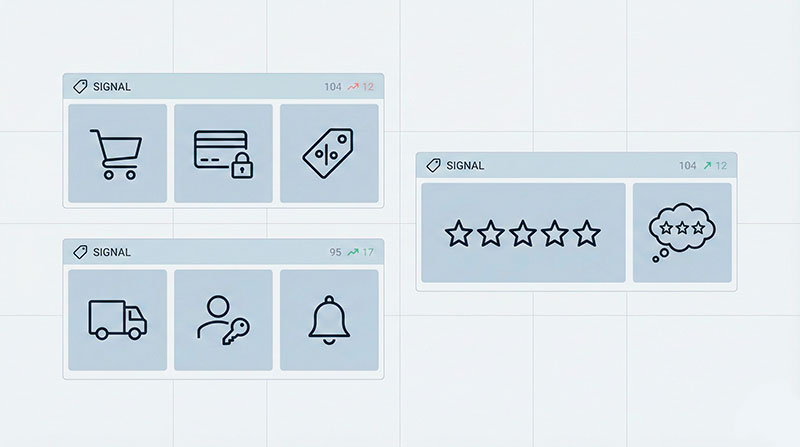
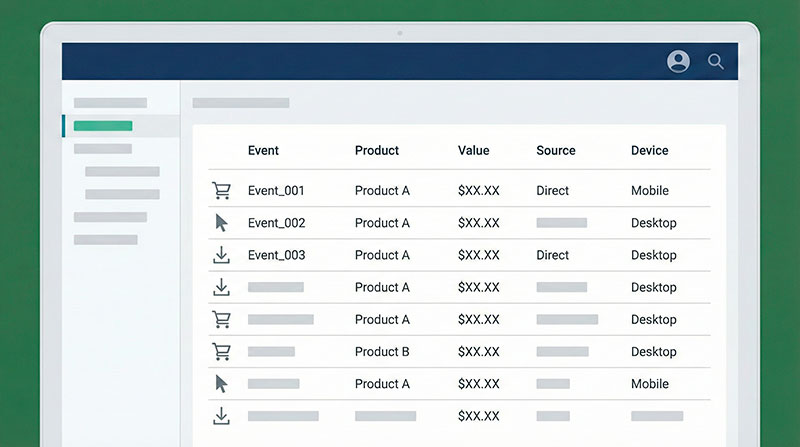
To use micro-conversions in analytics, you need a clear event schema — a list of events and parameters you track consistently.
You can think of it like a vocabulary. If everyone on the team uses the same words, you can talk about user behaviour without confusion.
If you want to dig deeper into designing an event schema for ecommerce, here’s an article where you can dig deeper into designing an event schema for ecommerce.
A simple schema for an online store might include events like:
view_item– fired when a user opens a product page.- Parameters:
product_id,category,price,discount_flag.
- Parameters:
add_to_cart– when a product is added to the cart.- Parameters:
product_id,quantity,price,campaign_source.
- Parameters:
add_to_wishlist– when a product goes to favourites.- Parameters:
product_id,category,login_status.
- Parameters:
view_shipping– when shipping options or costs are shown.- Parameters:
cart_value,country,city,delivery_method.
- Parameters:
begin_checkout– when the user enters the checkout flow.- Parameters:
cart_value,items_count,device,traffic_source.
- Parameters:
apply_coupon– when a coupon or promo code is applied.- Parameters:
coupon_code,discount_value,cart_value_before,cart_value_after.
- Parameters:
login– when the user logs in during the session.- Parameters:
login_method(email, social, SSO),is_new_user.
- Parameters:
purchase– when the order is completed.- Parameters:
order_id,revenue,items_count,shipping_cost,discount_total.
- Parameters:
You don’t need dozens of events. Start with a short, stable list, and make sure it covers the micro-conversions you care about.
Then map the events to the levels we discussed:
- Light interest:
view_item, site search event, category views. - Consideration:
add_to_wishlist,view_shipping,open_size_guide. - Almost buy:
add_to_cart,begin_checkout,apply_coupon, steps inside checkout.
The more consistent your naming and parameters are, the easier it is to build reports and segments later.
Turning Micro-Conversions into Segments of High-Intent Customers
Once you track the right events, you can group users by what they do, not just where they came from.
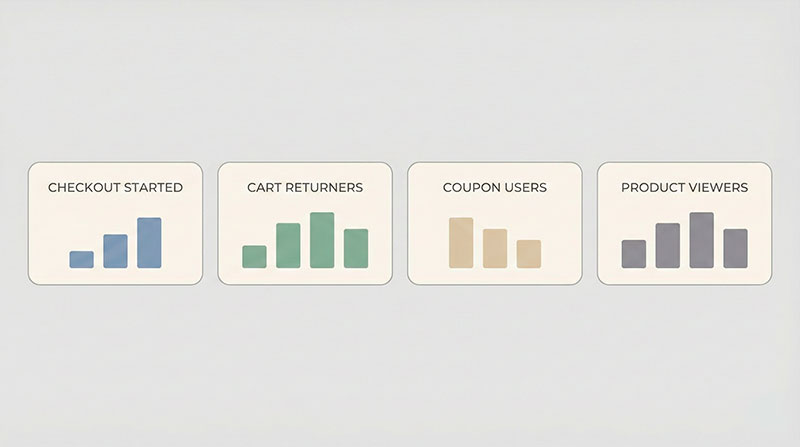
These behavioural groups are called segments. For micro-conversions, we’re especially interested in segments built around “almost-buy” actions — the people who already raised their hand.
If you’d like to go deeper into behaviour-based customer segments, here’s a great article where you can learn more about RFM and customer segmentation in ecommerce.
For example, you can build segments like:
- “Checkout but no payment”
Users who firedbegin_checkoutbut never firedpurchase.- Use cases: targeted reminders, surveys about why they stopped, UX experiments on the payment step.
- “Return-to-cart visitors”
Users who added to cart and then came back to the same cart in the next few days.- Use cases: gentle nudges, time-limited offers, inventory alerts.
- “Size guide readers without purchases”
Users who often open the size guide but rarely buy.- Use cases: better size descriptions on product cards, clearer return policies, explanations near the guide.
- “Coupon appliers without orders”
Users who apply a coupon but do not finish the payment.- Use cases: follow-up messages about coupon usage, checking for broken promo codes, improving price communication.
Instead of treating everyone the same, you can treat these as high intent customers: they showed you clear signals, and now you can respond in a smarter way.
You might:
- Exclude “just browsing” traffic from aggressive remarketing.
- Focus your budget on people who reached key micro-conversions.
- Adapt email and on-site messages based on the signals each segment showed.
How Our Team Uses Micro-Conversions: Experiment Stories
Theory is nice, but experiments are better.
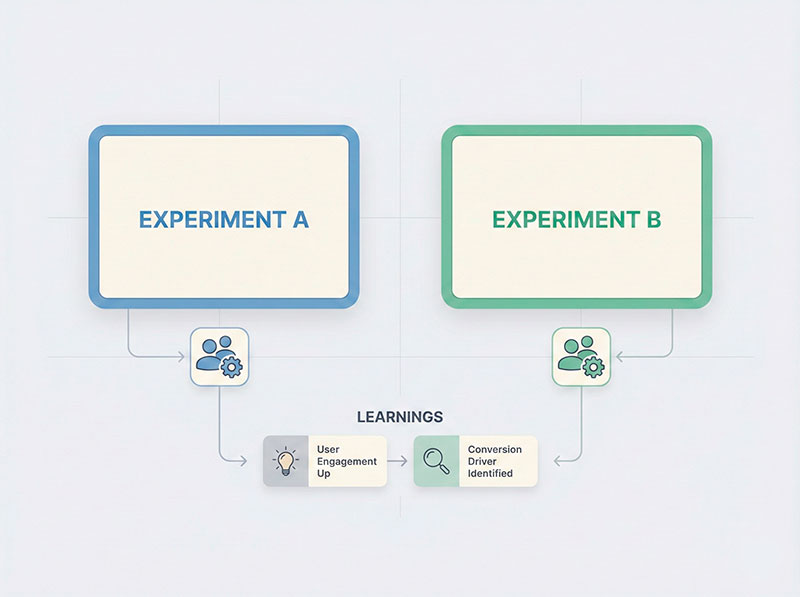
Here are three short stories of how our team used micro-conversions to improve results for real stores (names and numbers removed, of course).
Experiment 1 — Saving Almost-Ready Buyers with a Shipping Reminder
We noticed a pattern: many users were checking shipping options, starting checkout, and then disappearing on the payment step.
So our team ran an experiment. We created a segment of users who:
- viewed shipping options,
- started checkout,
- did not complete an order.
For this group, we tested a simple reminder:
- An email or on-site message highlighting delivery clarity: expected dates, tracking availability, and return conditions.
- No big discount, just reassurance and transparent information.
The result was clear: more users from this group returned and finished their orders. The main blocker wasn’t price — it was uncertainty about delivery.
Experiment 2 — Using Size Guide Views to Reduce Returns
In another case, we saw a lot of open_size_guide events in the data. People looked at the size guide, but returns were still high.
We set up two segments:
- Users who often opened the size guide and bought.
- Users who opened the size guide and then returned items.
When we compared these groups, we saw that many shoppers still chose the wrong size even after reading the guide.
Our experiment:
- We added simple, human language examples near the size table:
“If you are between two sizes and prefer a relaxed fit, pick the larger one.” - On top of that, we added a short note about how easy returns are.
After this, we saw fewer size-related complaints and a more confident purchase behaviour. Micro-conversions helped us see where people were still confused, even when they used the tools we gave them.
Experiment 3 — Reactivating Coupon Hunters
In a different store, we had a lot of apply_coupon events without matching purchase events.
We built a segment:
- Users who applied a coupon in the last few days,
- But did not complete an order.
Our team tested two approaches:
- A follow-up reminder saying the coupon still works and explaining what it covers.
- A short message on-site for this segment, focusing on value and trust, not on an extra discount.
We learned that many shoppers simply weren’t sure if the coupon really applied to their cart, or they were distracted. Once we reassured them and made the rules clearer, more of them came back to finish the purchase — even without increasing the discount.
Step-by-Step Plan to Start Using Micro-Conversions This Week
Let’s turn everything into a simple plan you can actually follow in a small team.
Step 1 – Write down your funnel stages
Keep it simple: 4–5 steps, from first visit to purchase.
Example: Visit → Browse → Consider → Almost Buy → Purchase.
Step 2 – List micro-conversions for each stage
Take the examples from this article and mark which ones exist on your site.
For example:
- Browse: category views, search, filters.
- Consider: wishlist, size guide, delivery info.
- Almost Buy: cart actions, checkout steps, coupons.
Step 3 – Check what you already track
Look at your current events.
Which micro-conversions are already in the data, and which are missing?
Make a short “missing events” list.
Step 4 – Update your tracking plan
For the missing items, define:
- event names,
- key parameters,
- where on the site they must fire.
Share this with your developer or analytics team.
Step 5 – Build 1–2 simple reports
For example:
- A funnel report that shows how many users move from light interest to almost-buy to purchase.
- A report that lists top micro-conversions that happen before an order.
Step 6 – Create at least one “almost-buy” segment
For example:
- Users who started checkout but didn’t purchase.
- Users who returned to the same cart twice.
- Users who clicked “notify me when back in stock”.
Step 7 – Run one simple experiment
Pick your first segment and test:
- a reminder,
- a better explanation,
- or a small UX change in the critical step.
Document what you did and what you learned, even if the result is neutral. Over time, this becomes your playbook of what works.
And if you’re looking for a broader overview of analytics for online stores, here’s a complete guide where you can see more best practices for ecommerce analytics
Common Mistakes with Micro-Conversions (and How to Avoid Them)
Before you jump in, let’s avoid a few classic traps.
Mistake 1 – Treating every click as a micro-conversion
If you label every tiny interaction as a micro-conversion, your reports will be noisy and useless.
Fix: pick a short list of actions that clearly move users closer to buying.
Mistake 2 – Never checking which micro-conversions relate to purchases
It’s easy to fall in love with a metric that looks busy but doesn’t matter.
Fix: regularly compare users who did a given micro-conversion with those who didn’t. Do they actually buy more often?
Mistake 3 – Overcomplicating the event schema
Huge lists of events and parameters look impressive but are painful to maintain.
Fix: start with a small, well-documented schema and expand only when you really need more detail.
Mistake 4 – Forgetting to document events
If you don’t write things down, in six months nobody will remember what promo_click_type_b means.
Fix: keep a simple tracking plan where each event and parameter has a short, plain-language description.
Mistake 5 – Not connecting micro-conversions to actions
Tracking without action is just data decoration.
Fix: for each important micro-conversion, ask “What segment or experiment can we build from this?”
Conclusion: Treat Micro-Conversions as Early Warnings, Not Just “Nice to Have”
Micro-conversions are not just “extra metrics” for people who love dashboards. They are early warnings that someone is moving from casual browsing towards buying.
By focusing on a handful of important actions, you can:
- see which parts of the journey actually work,
- understand who is nearly ready to buy,
- and react before the sale is lost.
You don’t need a huge tool stack or a full-time data team to begin. Start by picking 3–5 micro-conversions that best describe “almost ready to buy” for your store, track them reliably, and build your first segments and experiments around them.
Over time, this simple habit will give you a much clearer picture of what really drives revenue in your e-commerce business.